Digital management of customer orders with an operational dashboard
No more spreadsheets and sticky notes — one place for all orders. A dedicated CRM system automates customer order management: a daily dashboard, multi-stage status workflow, automatic document checklists and a team calendar. The company handles more orders with less administrative effort.
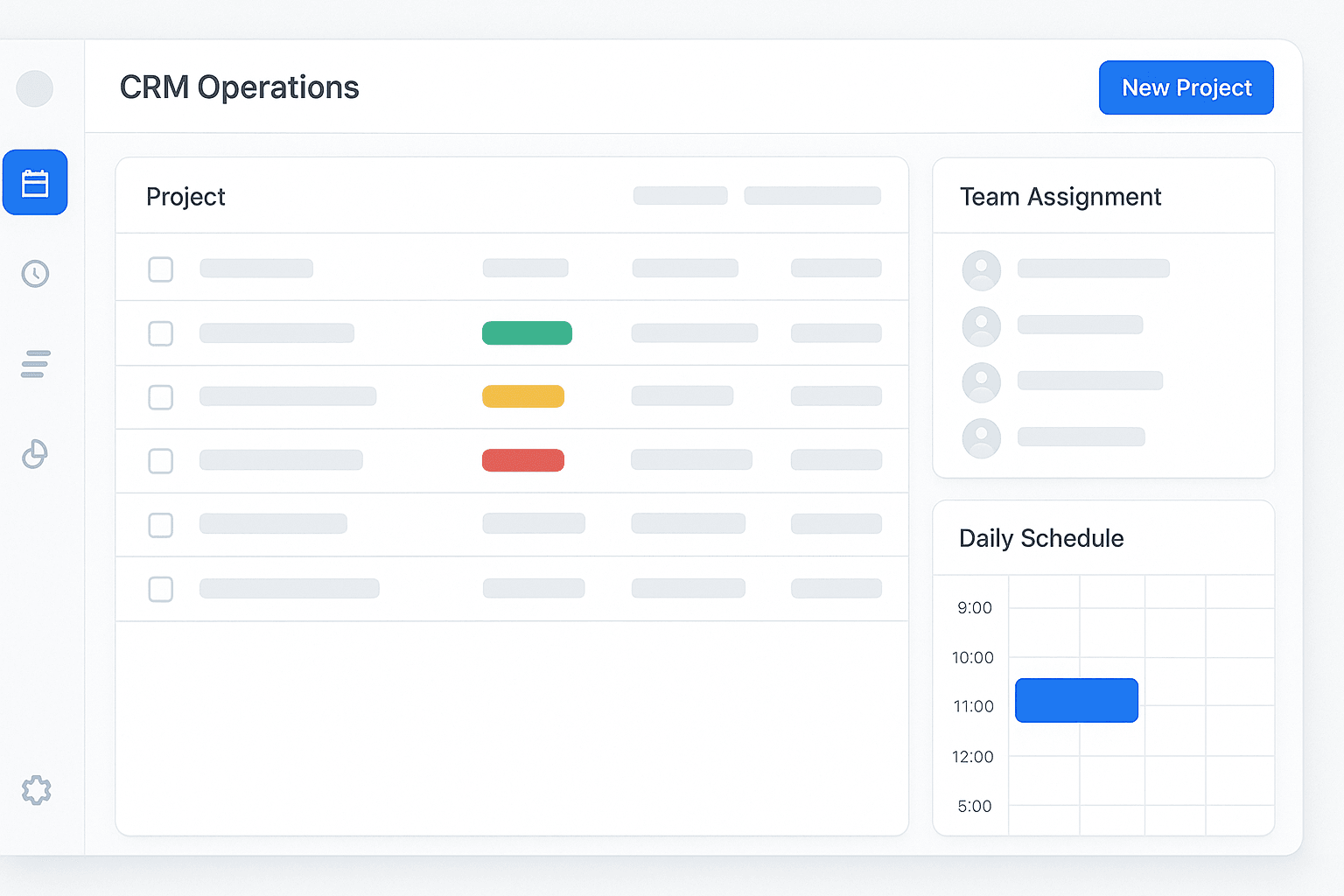
Manual management of customer orders in spreadsheets and on paper

A company handling several dozen customer orders per month managed them using spreadsheets, a paper calendar and email communication. Each order required assigning several employees in different roles, tracking organisational and execution status, and monitoring the required documents. As the number of cases grew, the team was losing time searching for information scattered across several tools.
A particular challenge was tracking deadlines and employee workload. The paper calendar did not provide a quick view of the team’s capacity on any given day. Situations occurred where a key employee had not been assigned to an order or a deadline had not been updated after rescheduling. The lack of a central notification system meant that information about changes arrived late — by email or verbally.
Documentation control relied on manual checklists. Employees manually checked which documents had been delivered and which were missing. With several dozen active orders at the same time, it was easy to overlook a missing document, leading to delays and the need for repeated contact with the customer. Summaries and reports required manual compilation of data from multiple sources.
A dedicated CRM system with an operational dashboard and automatic workflow
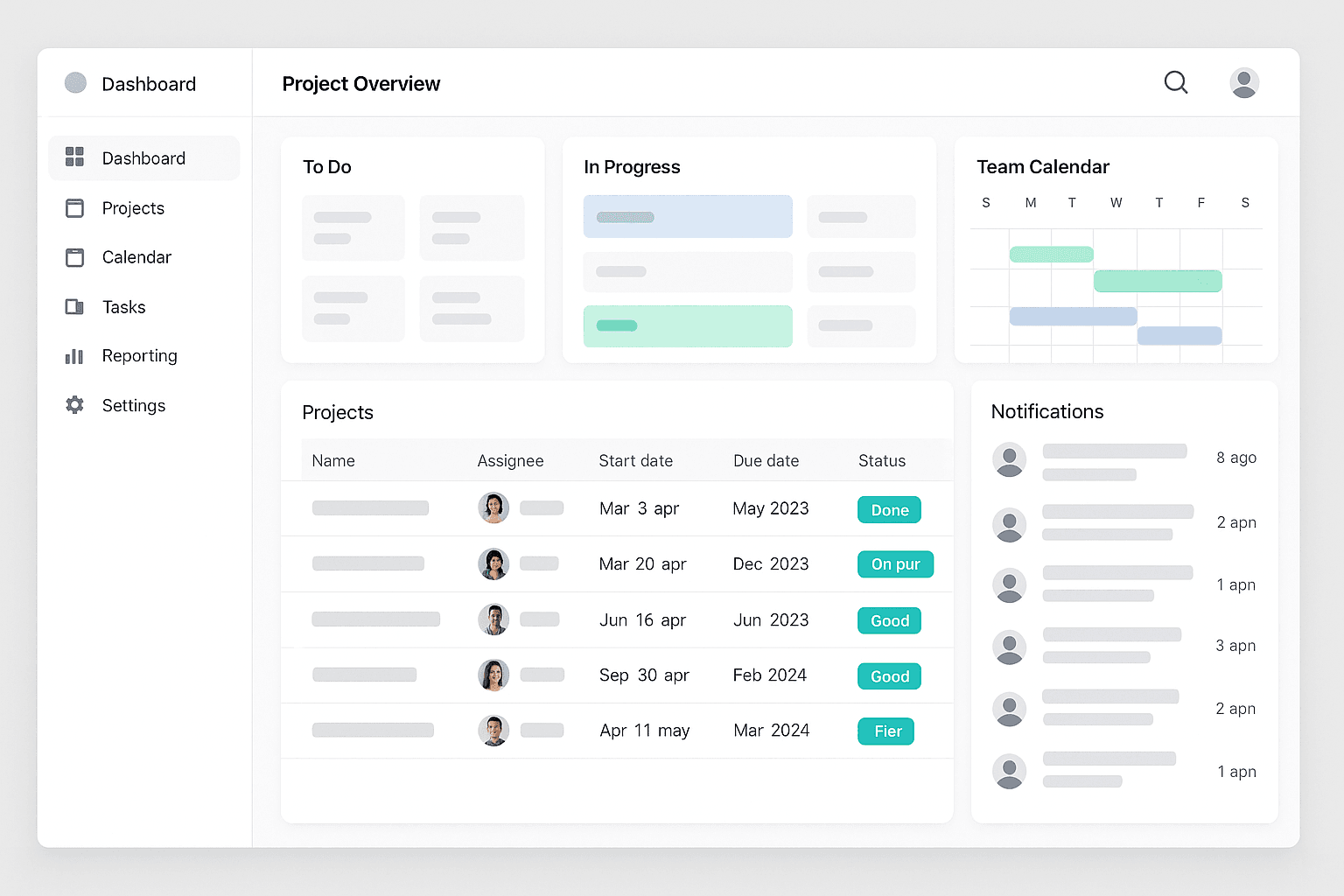
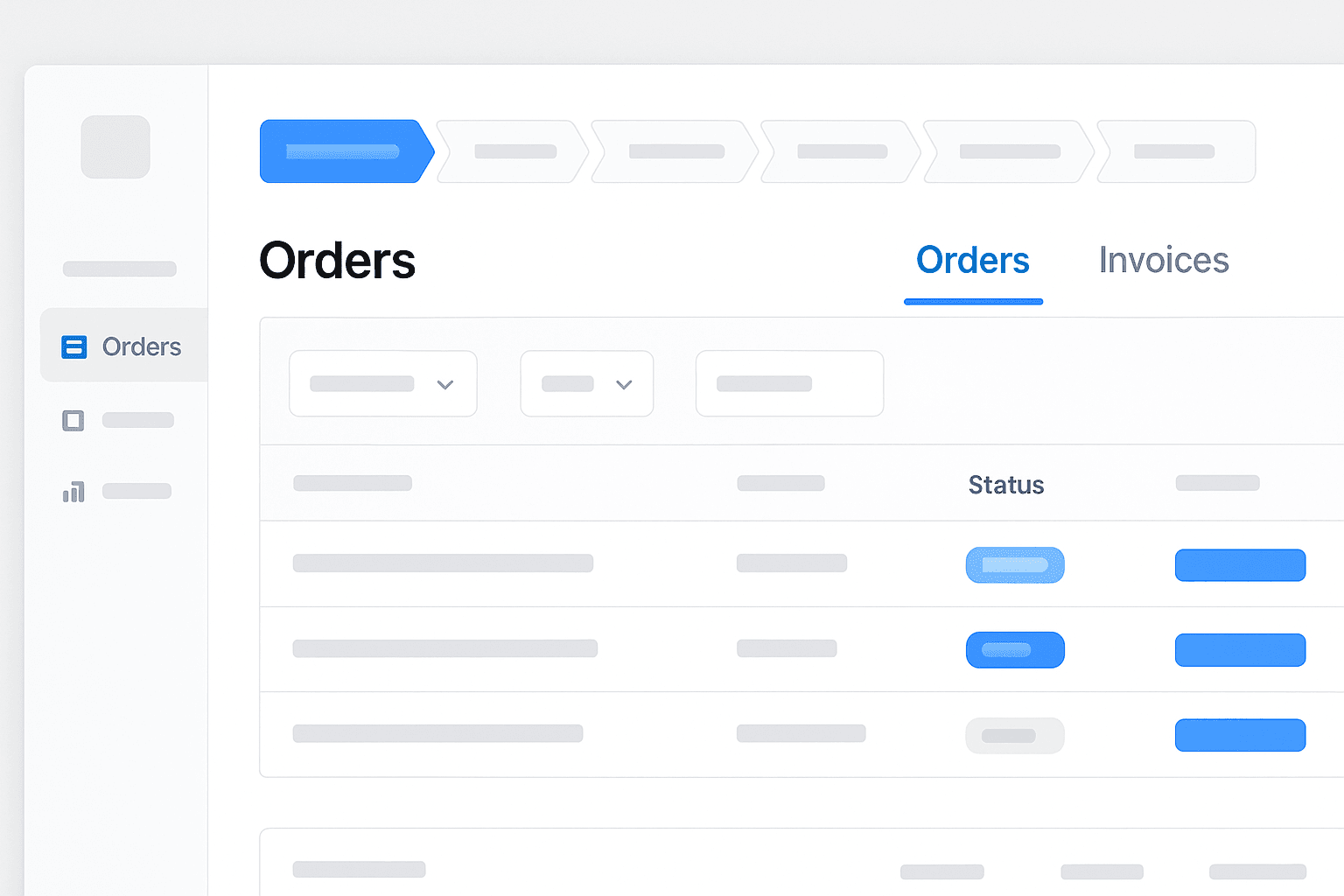
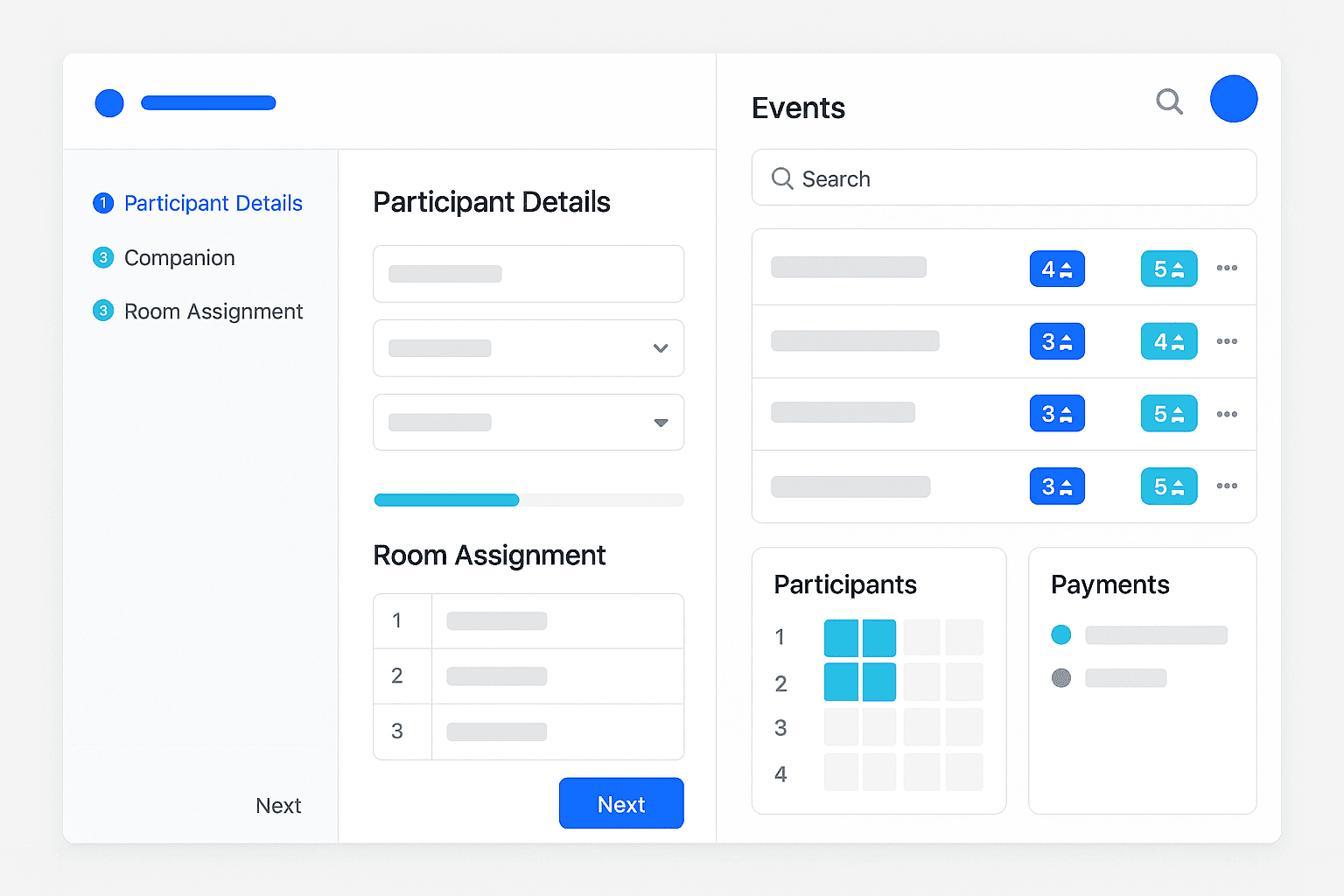
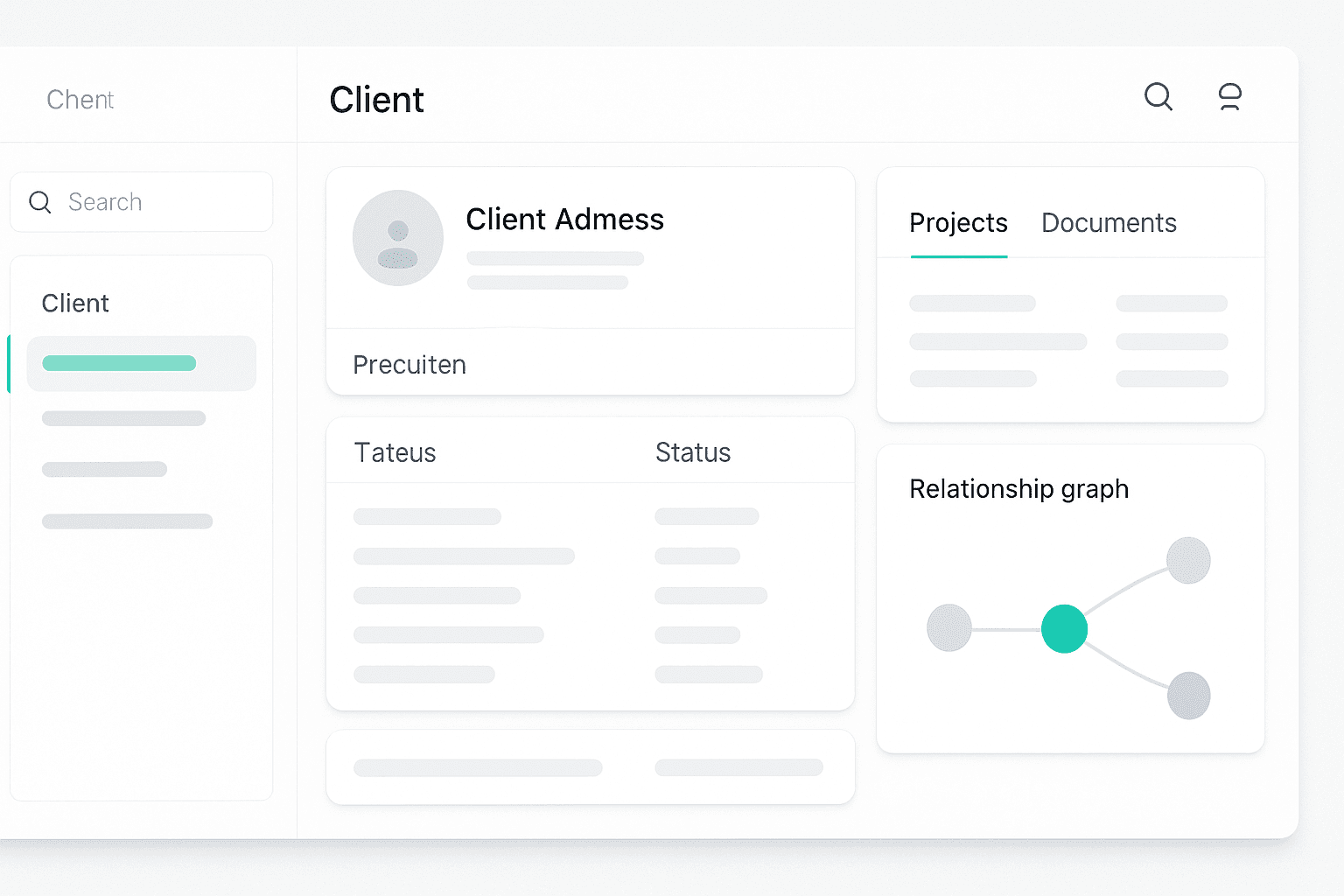
The implemented CRM system centralises the management of all orders in one place. The operational dashboard presents a daily view of orders by status: scheduled, in progress, awaiting documents and completed. Each order has employees assigned in four key roles, and the system automatically identifies orders with missing assignments and displays them in a dedicated alerts module.
A team calendar integrated with the order management system provides an immediate overview of employee workload. Filtering by employees, order types and statuses enables efficient planning. The internal notification system eliminates the need for email communication — status changes, assignments and comments reach the relevant people in real time. The absence module automatically flags when scheduled orders conflict with holidays.
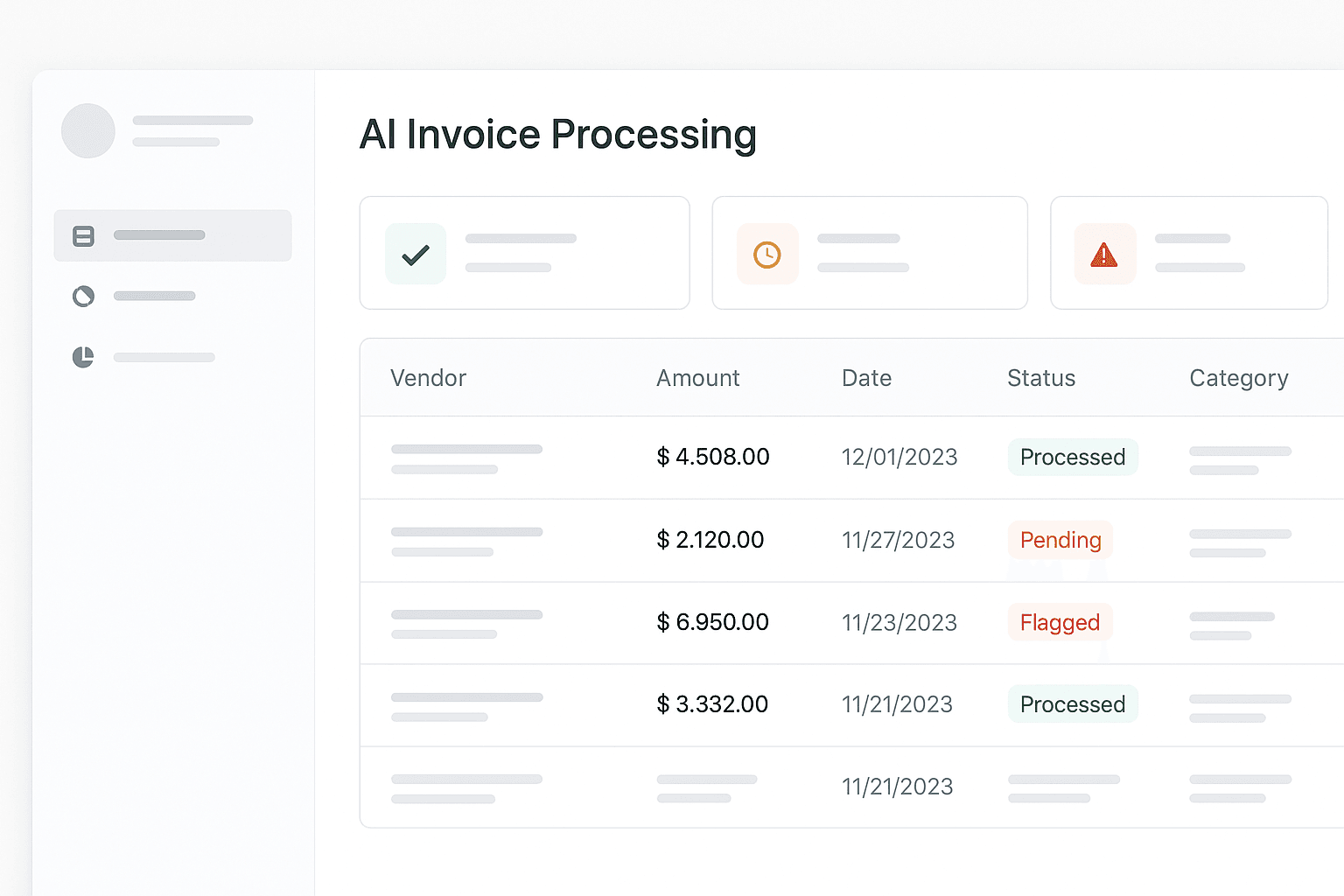
Automatic document checklists are generated based on the order type — the employee can immediately see which documents are required, which have been delivered and which are missing. Documents are assigned to orders and customers, creating a central searchable repository. Exporting summaries to Excel, filtering by status and tracking working time provide full operational control without manually compiling reports.
Before and after implementation
Concrete automation results
Want to achieve similar results?
Book a free consultationPreviously, every order meant a pile of paperwork and manual status tracking in a spreadsheet. Now I open the dashboard and see everything — who is working on what, which documents are missing, which deadlines are approaching. I cannot remember the last time we missed a deadline.
Law firm, 50+ orders per month, 12-person team
Our solutions
Explore the details


Ready to speed up your business?
Schedule a free consultation with our expert and find out in less than 30 minutes:
What do customers say about us?
The team is not afraid of challenges.
E-Commerce Manager, Kontigo
They had all the necessary people and tools to get this job done.
CTO, The Codest
Their collaborative approach and skilled developers have brought great value to our project.
COO, Hand2Band
We knew in advance at what stage we were and what costs we were facing.
COO, QMS
What I found most impressive was their unparalleled commitment to customer satisfaction.
CEO, SMartDe eG
The flexibility of the team and the way they are open for feedback is impressive.
Digital Lead, Trooper